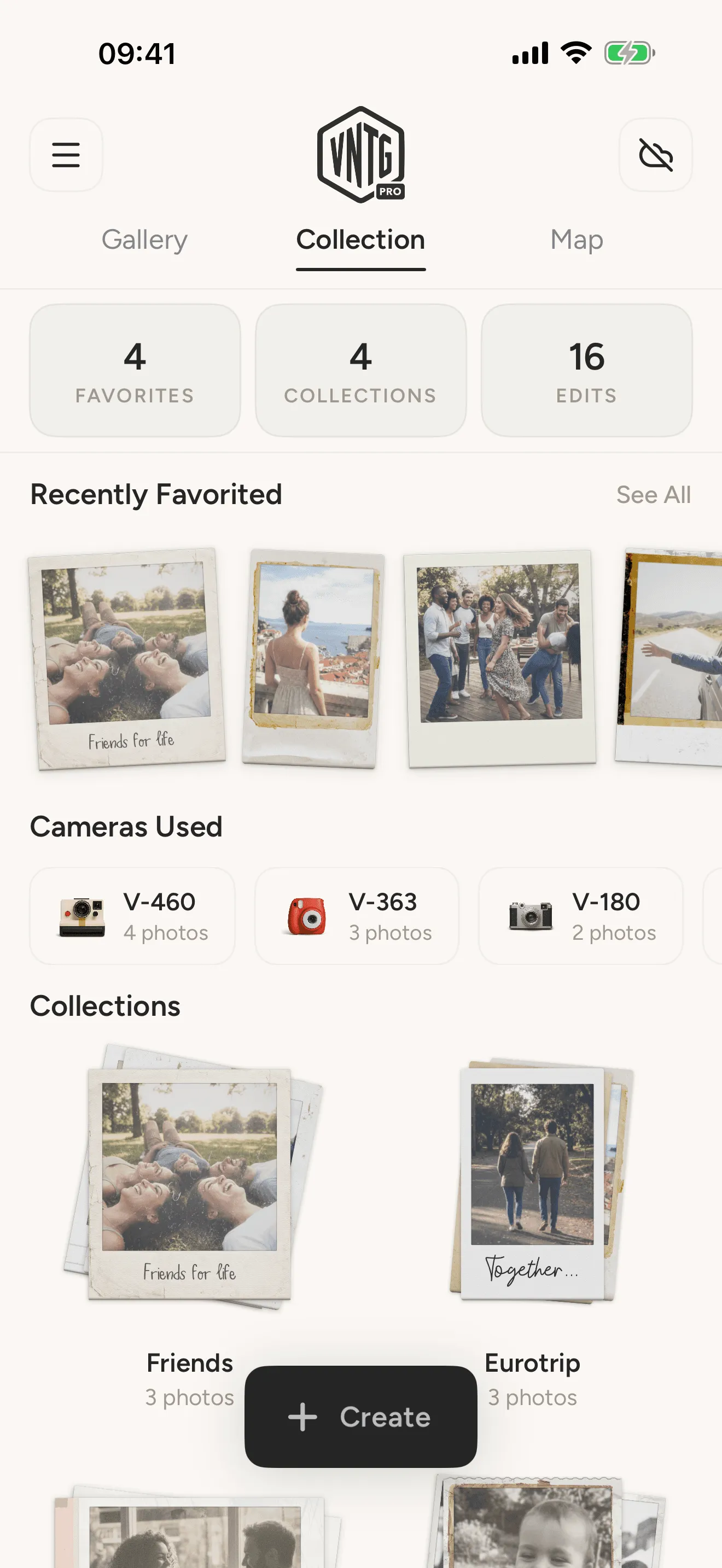
How to Edit Photos with an Analog Touch: A Step-by-Step Guide
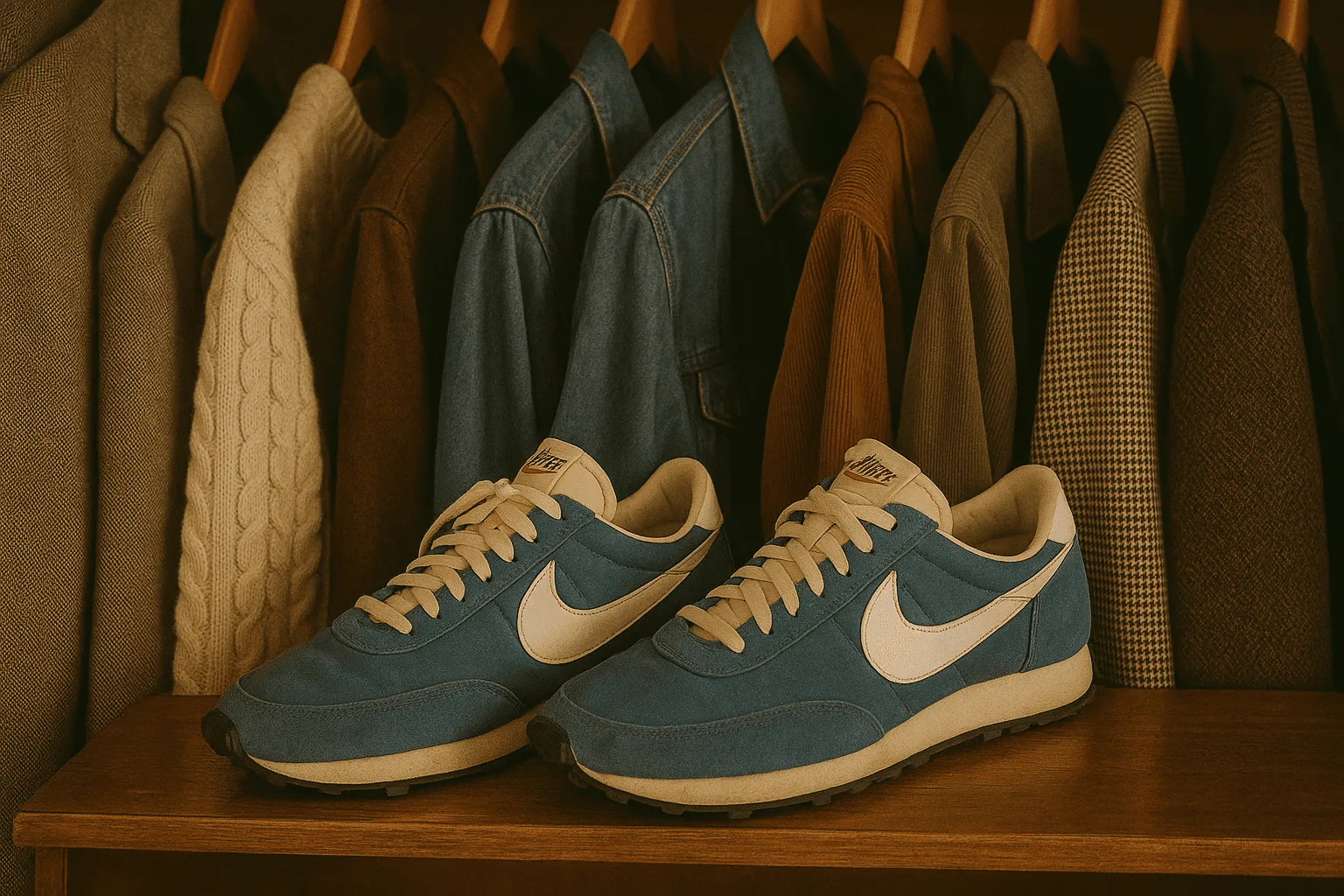
Not every picture needs to look sharp, bright, and digital. Sometimes, the most powerful images are the ones that feel raw, nostalgic, and imperfect, just like analog photography. With the right steps, you can turn your digital shots into photos that look like they were taken decades ago.
Step 1: Start with the Right Photo
Choose images with natural light, warm tones, or candid moments. These will shine when given an analog treatment.
Step 2: Adjust Colors and Tones
Analog photos often have muted colors, warmer whites, and slight fading. With VNTG, you can easily apply film-inspired filters that bring out that soft, timeless vibe.
Step 3: Add Authentic Grain and Texture
Film grain is part of the charm of analog photography. A subtle layer of grain or dust texture can transform a digital shot into something that feels truly vintage.
Step 4: Experiment with Light Leaks and Fades
Classic cameras often produced unpredictable effects like light leaks. Adding these details makes your photo feel raw, imperfect, and unique.
Step 5: Save and Share
Once you’ve achieved your look, share your creation on Instagram or TikTok. A curated vintage aesthetic instantly elevates your profile and storytelling.
With the VNTG Photo Editor, you don’t need expensive film or old cameras to get the perfect retro effect. Download VNTG today and give your photos that authentic analog touch!
‹ Creative Ideas to Share Your Retro Photos on Social Media
The Comeback of Retro: Why Vintage Photos Are Back in Style ›
Elevate your photography with vintage effects that tell a story.